Plan first.
The canvas stays central. Tools float around it, instead of pushing your plan out of the way.
Good spaces start with “what if.” Sketch the home in your head. Move a wall. Make room for Sunday. Paguro gives your ideas room to take shape.
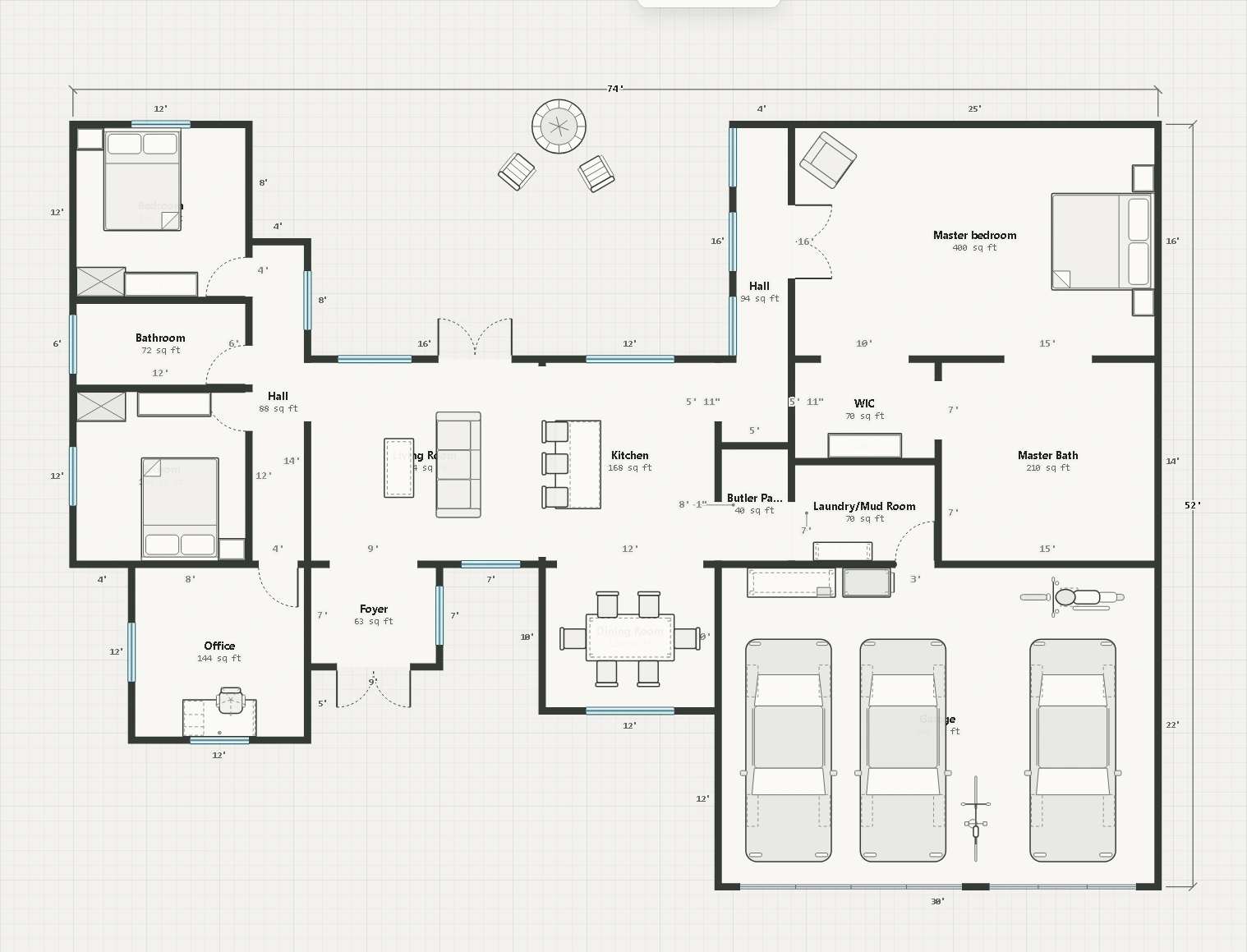
Keep the drawing front and center. The tools stay close, the dimensions stay visible, and every adjustment should feel natural.
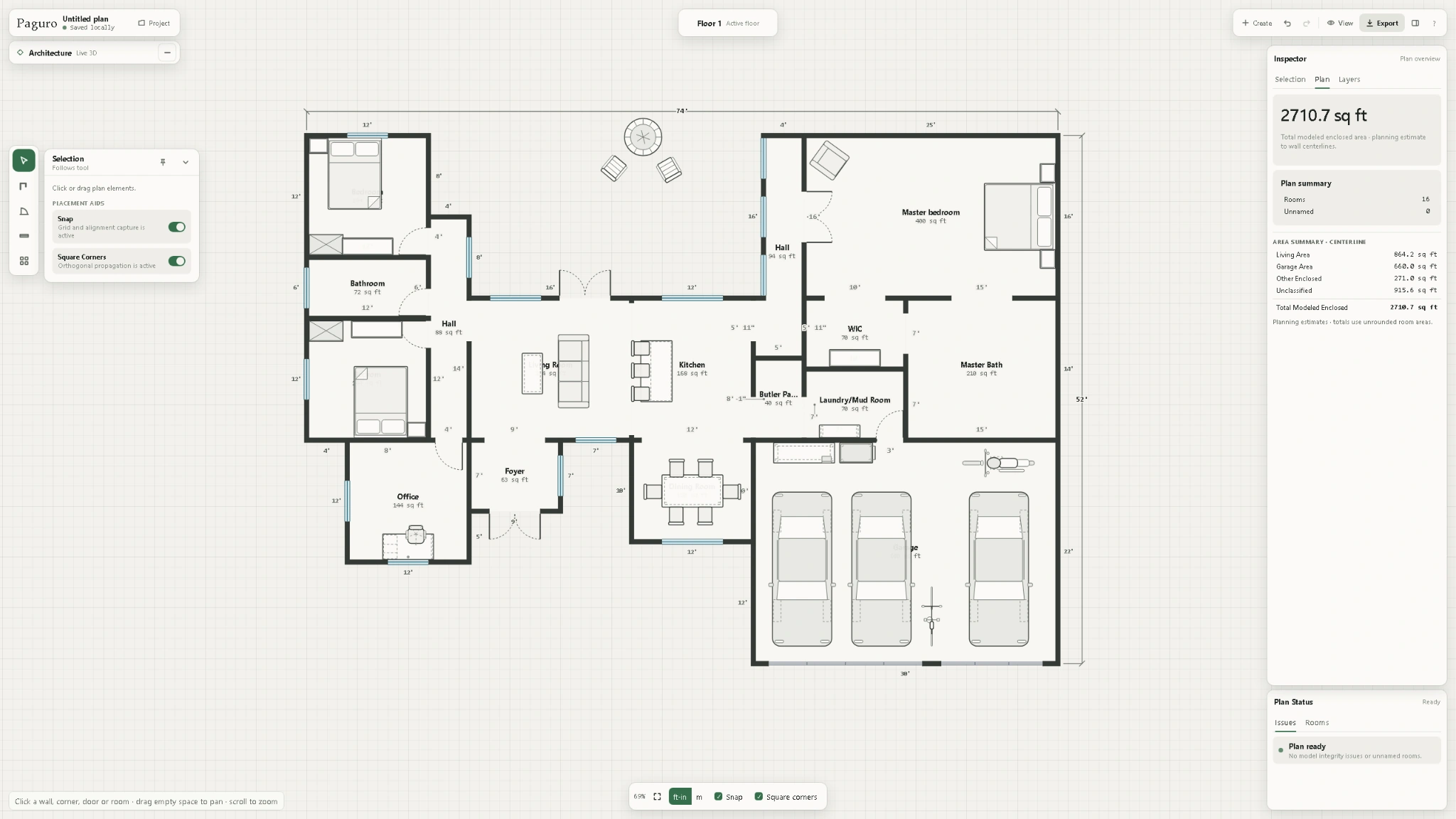
The canvas stays central. Tools float around it, instead of pushing your plan out of the way.
Room sizes, measurements, and plan information stay close to the work.
Grab a wall. Resize a room. Adjust the idea without fighting the interface.
A floor plan should feel like an open possibility. Paguro is being built for people planning real homes—not just people who already know CAD.
Draw a layout, move and adjust walls directly, and keep the idea moving.
Work out your rooms, doors, windows and all the little spaces that matter.
Try a wider kitchen, a better hallway or the courtyard you always wanted.
Built independently from a simple frustration: planning a home shouldn't require learning complicated design software.
Paguro is in active development. Sign up, and I’ll let you know when it’s ready to try. Launch updates only. Unsubscribe anytime.